
Examples #
| Name | Description |
|---|---|
| SkeletonCSharp | To show how LIPSense 3D Body Pose SDK working with C# |
Prerequisites #
- cmake
- OpenCV
- Microsoft Visual Studio (VS2022 being the recommended version)
Build #
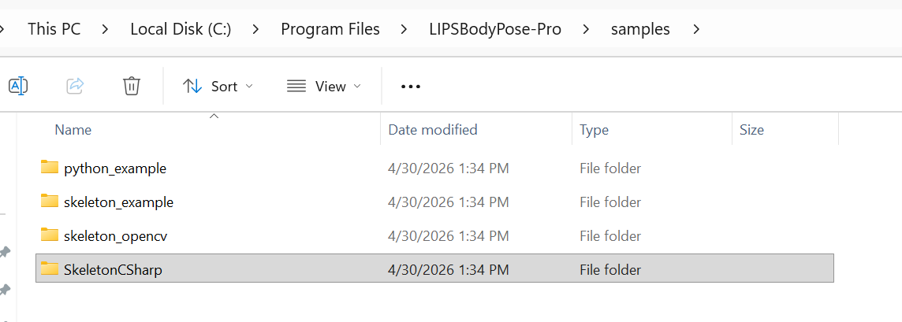
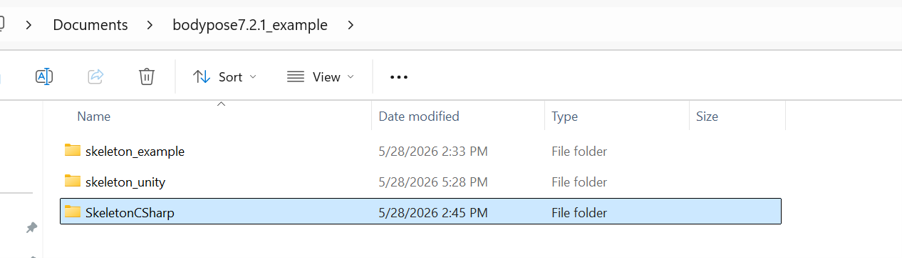
1. Download the example code from github or copy from SDK (C:\Program Files\LIPSBodyPose\samples) and place it to the desired location.
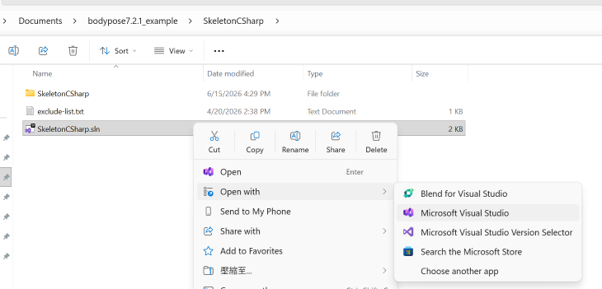
2. Right click on SkeletonCSharp.sln, and click Open with Microsoft Visual Studio
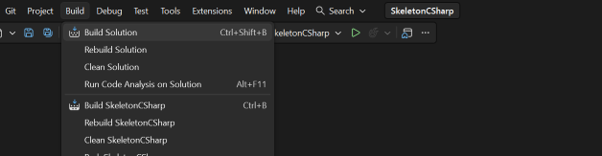
3.From the top bar, select Build > Build Solution to compile the SkeletonCSharp
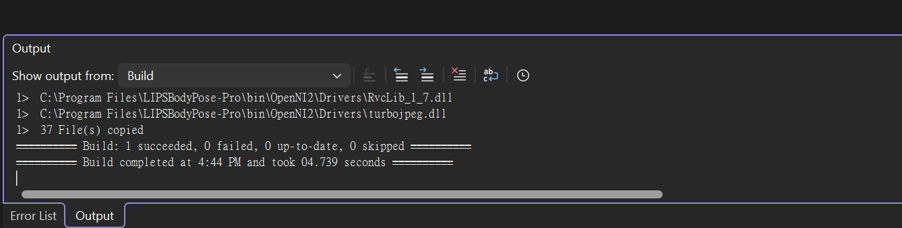
4.Make sure the Build succeeded message appears in the Output window to confirm a successful compilation.
5.From the top bar, click the dropdown list for Select Startup Items and select SkeletonCSharp
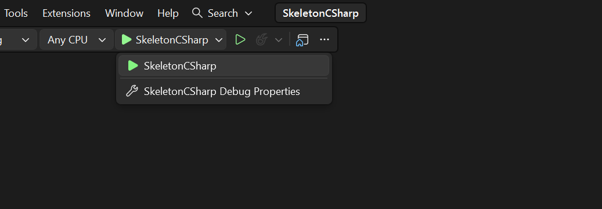
6.Click the Arrow sign to execute the built example application.