
Overview #
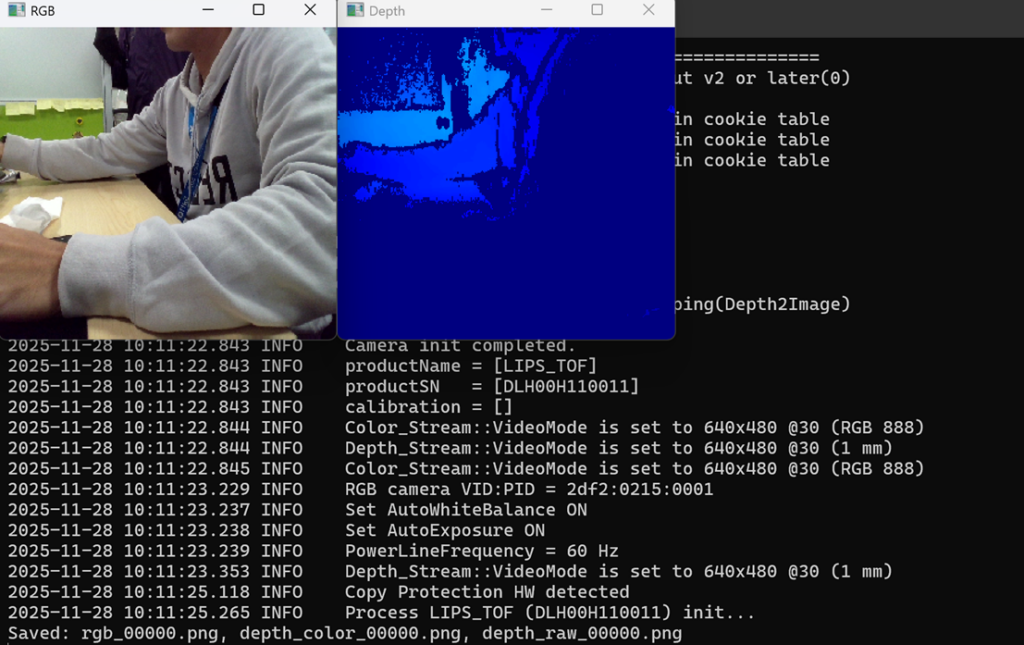
This example shows how to set up a camera for live capture from the command line and save both depth and RGB frames as PNG images.
Expected Output #
Prerequisite #
Tutorial #
C++
if (key == 's') {
imwrite(rgb_name.str(), bgr);
        imwrite(depth_color_name.str(), depthColor);
imwrite(depth_raw_name.str(), depth16); // Save 16-bit PNGPressing s saves:
- RGB image
- Color-mapped depth image
- Raw 16-bit depth PNG