Examples
| Name | Descriptipn |
|---|---|
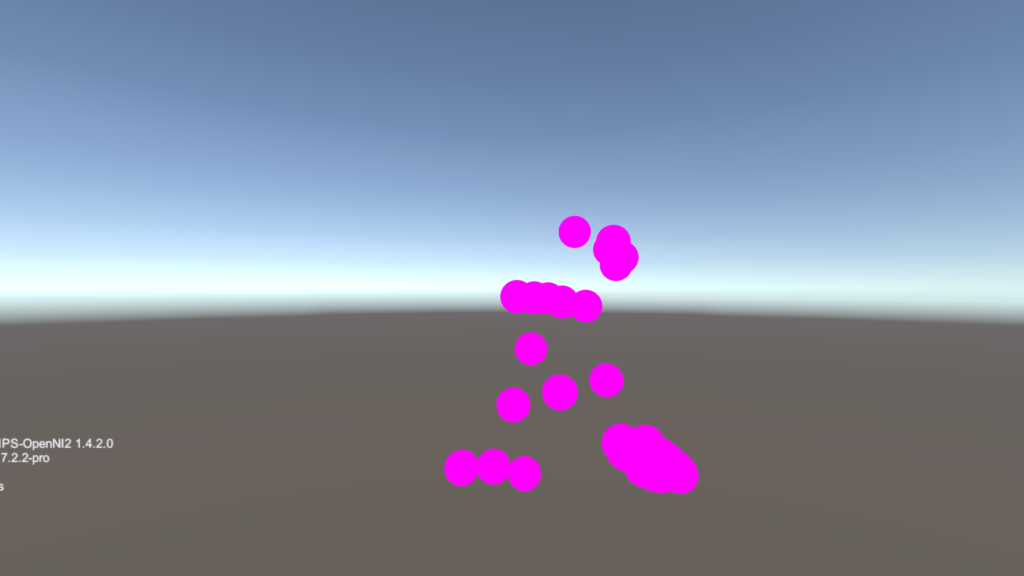
| Skeleton3DandVersion | The sample of using Unity to create 3D scene and output the skeleton points & SDK information. |
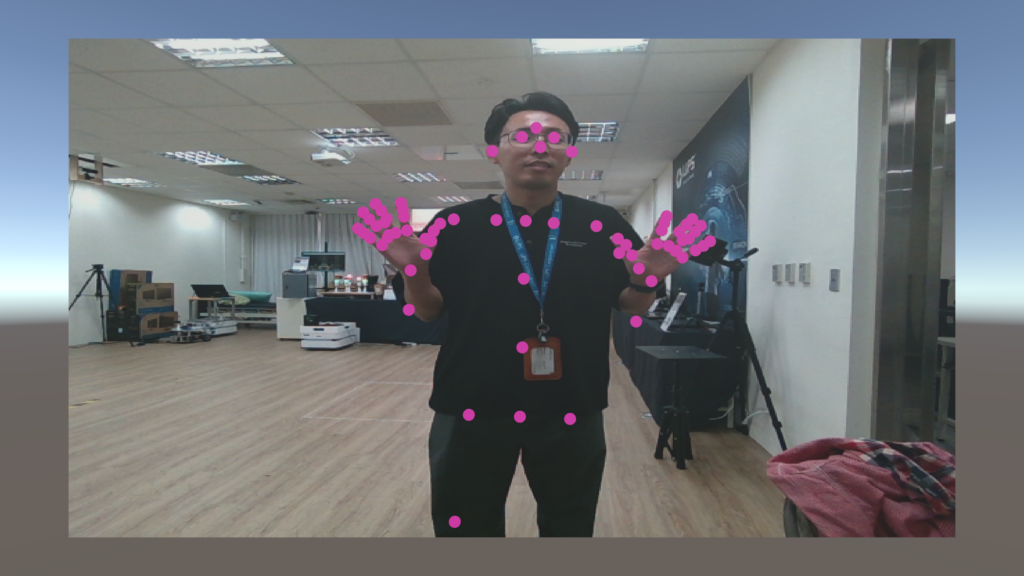
| Skeleton2DandRGB | The sample of using Unity to create 2D scene and output the skeleton points on RGB image. |
| Note: | To get the unity package of LIPSBodypose, please refer to {SDK PATH}/unity folder. |
Prerequisites
- Install Unity (2023.11)
Build
1. Create / open the Unity project.
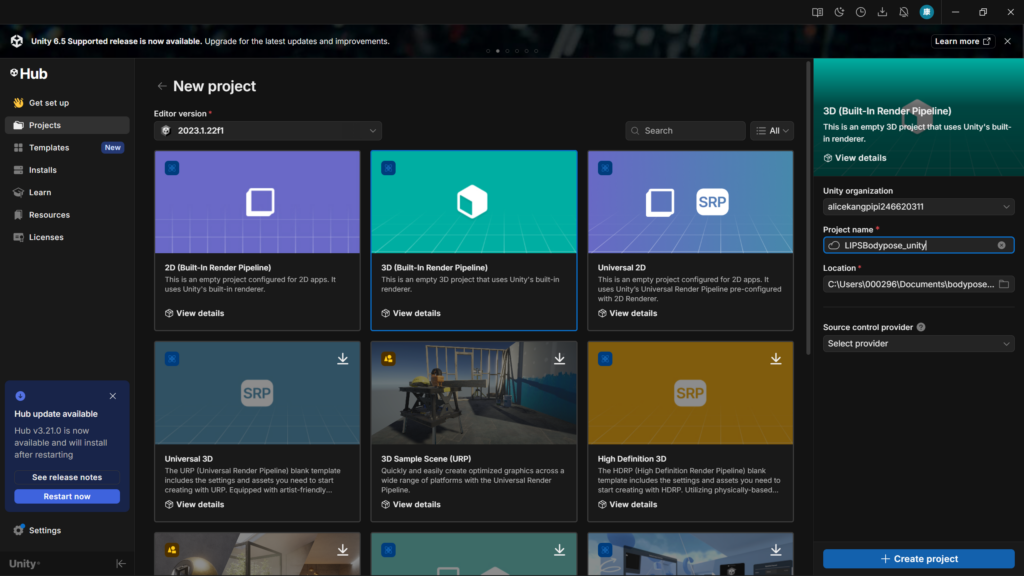
2. Import the lipsbodypose.unitypackage to the Unity project.
- Location: C:\Program Files[LIPSBodyPose]\unity
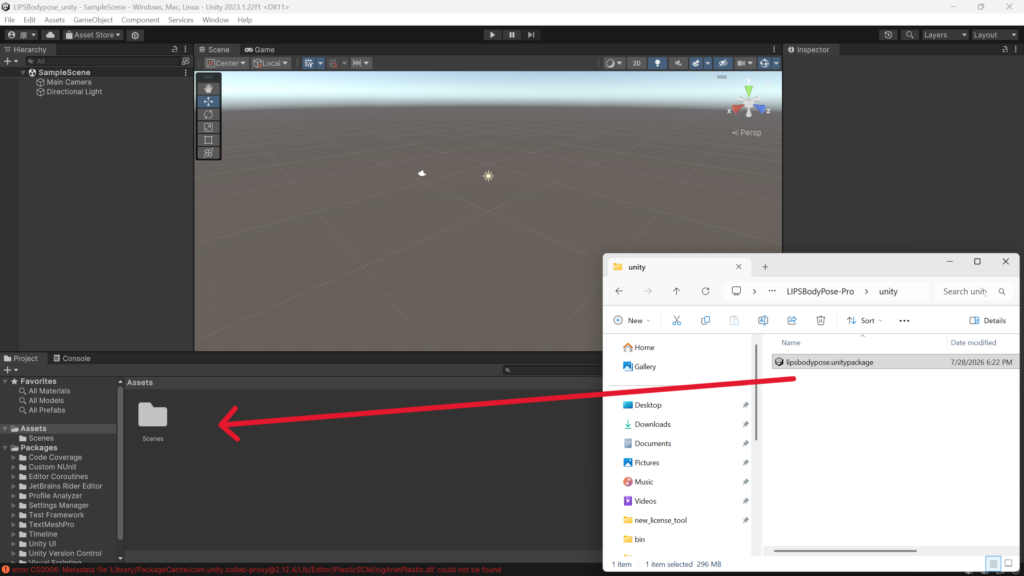
3. (Optional) Modify OpenNI2 settings.
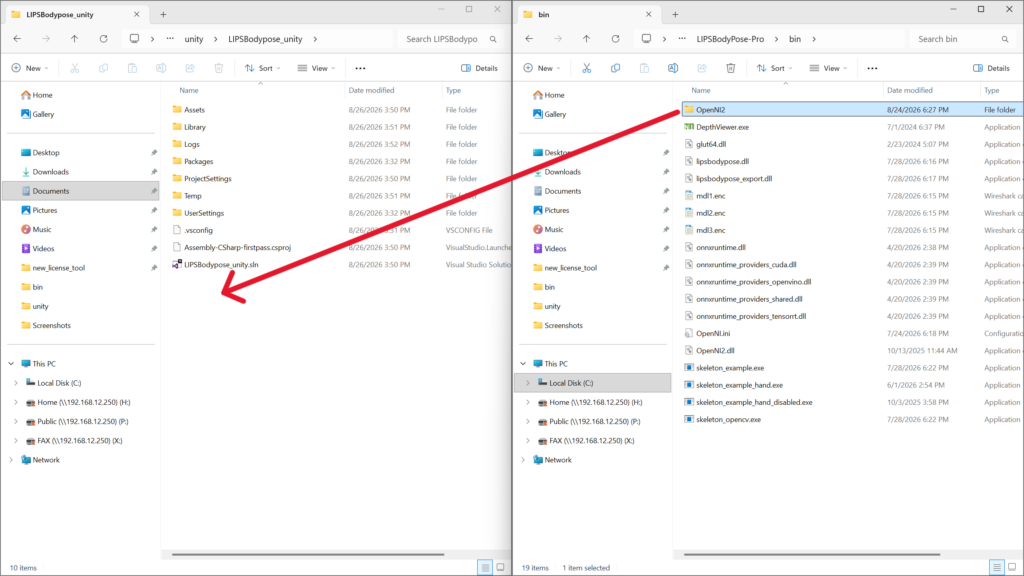
Notice: When using a DL camera, please copy the %LIPSBODYPOSE_SDK_ROOT%\bin\OpenNI2 folder to the project root directory.
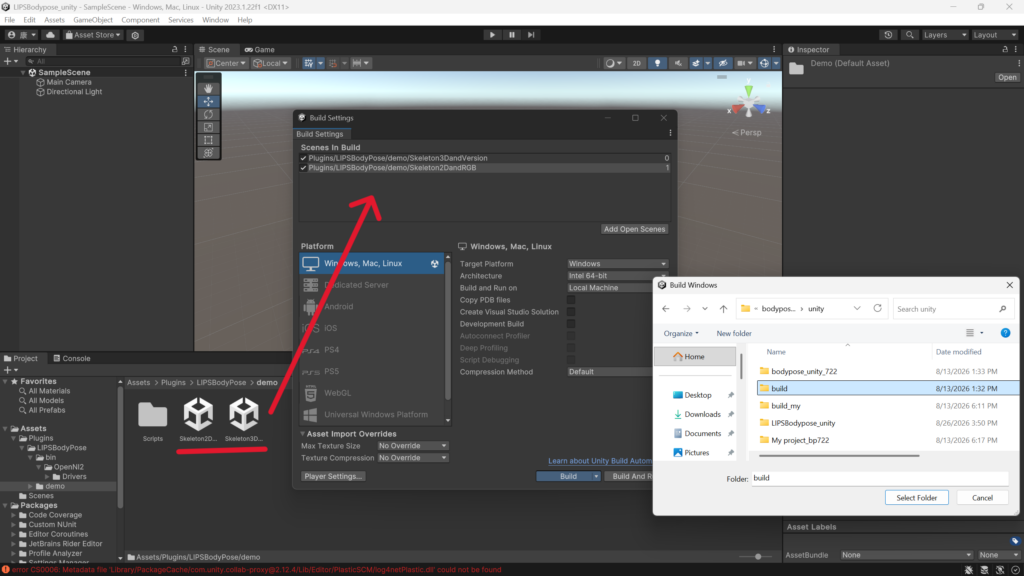
4. Click “file” > “build setting” to setup build path and import scenes in build (Skeleton3DandVersion, Skeleton2DandRGB)
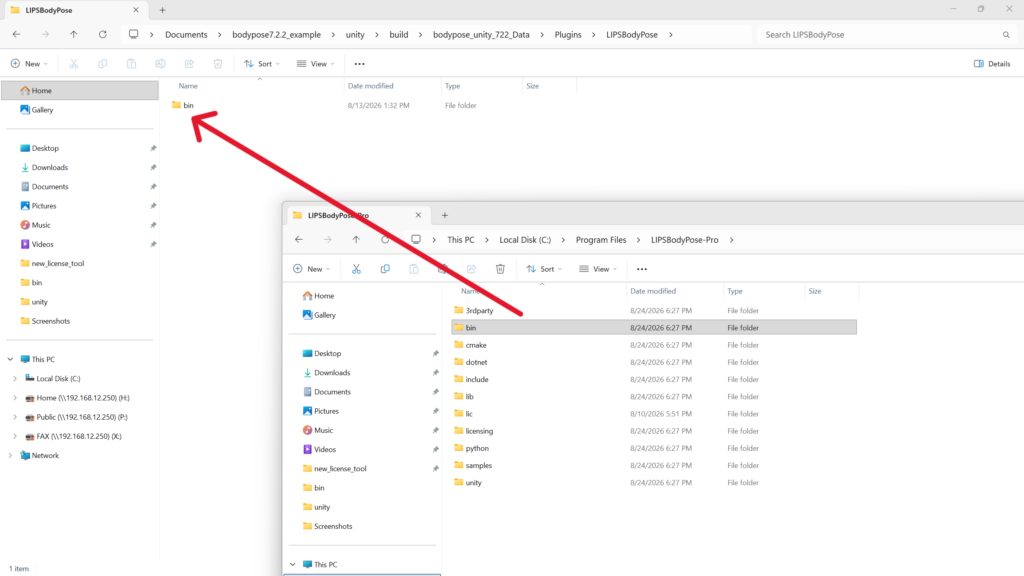
5. Create “LIPSBodyPose” folder in build/projectname/Plugins/ and copy {SDK PATH}/bin to build/{projectname}_Data/Plugins/LIPSBodypose
6. Close unity and open run .exe file.
Output